
Getting Started: What Are Files
Think of a file kept in an actual office. It might be a letter, a report, or several pages of information about one subject. It is kept somewhere so its contents can be found and used again later - likely in a folder. Some files are opened regularly, while others are put away until there is a reason to return to them.
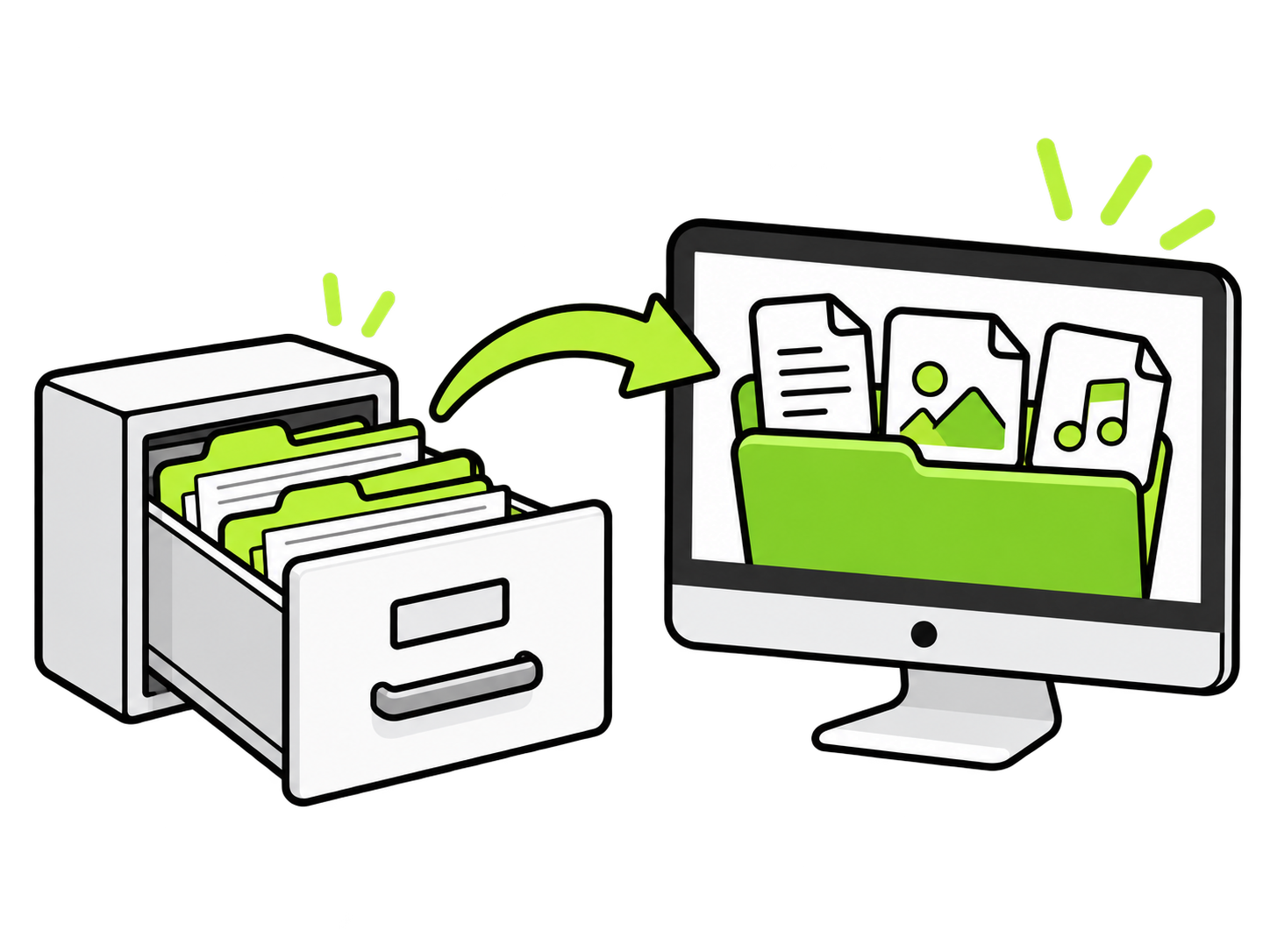
A file on a computer serves a similar purpose: acting as a single storable item that contains some form of content, which can be accessed and stored as needed.
A letter written on a computer can be kept as a file, just as a paper letter can be kept in an office. The file might contain a single page or an entire report. Either way, the computer handles it as one item.
🥒More Than Paper and Documents.
An office file might hold paper documents, such as letters and reports. On a device, files can be photographs, songs, videos, and voice recordings as well as written documents.
Photographs, songs, videos, and voice recordings can all be stored as files, alongside letters, receipts, and other documents.
A file does not have to contain several separate things. One photograph can be one file, and one song can be one file. A document with twenty pages can also be one file.

🥒Names and Folders Help Keep Things Organized
In an office, labels help identify files without examining every page. Names serve the same purpose on a computer.
A document called “Camping Packing List” gives a clue about its contents before it is opened. Some files receive names automatically, so a photograph might be called “IMG_1042” instead of something descriptive. The name is a label; the photograph or document is what the file contains.

On a screen, a file’s name often appears beside a small symbol or a small preview of its contents. A photograph might show a tiny version of the picture, while a document might appear beside a symbol resembling a sheet of paper. These help represent the file on the screen, much like a label helps identify an office file and indicate what kind of file it is.
Files can also be grouped into folders. An office folder might hold several related documents; a folder on a computer might hold photographs, documents, or recordings. For example, a folder named “Camping Trip” could contain several photo files and a packing-list file. The folder organizes the files, and each file holds its own contents. Opening the folder shows the files inside. Opening one of those files brings up its contents.
🥒Opening a File and Returning To It Later
Opening an office file allows its contents to be read or worked with. Opening a file on a device does something similar. A document opens so its words can be read or changed, a photograph opens so the picture can be viewed, and a recording opens so the sound can be played.

A saved file can be opened repeatedly. A letter being written might be opened several times in a week, while an old receipt might stay stored for months before it is needed. Closing a file normally leaves the saved item in its location, ready to be opened again. If its contents have been changed, saving keeps those changes for the next time.
This is the purpose behind keeping files: something is stored so it can be found and used again. The office filing idea carries into the computer, with room for more than paper. A letter, a photograph, a song, and a video can each be kept as a file, named so it can be recognized, and organized with other files for later access.