
In-Person Digital Learning and Support in Clearwater County
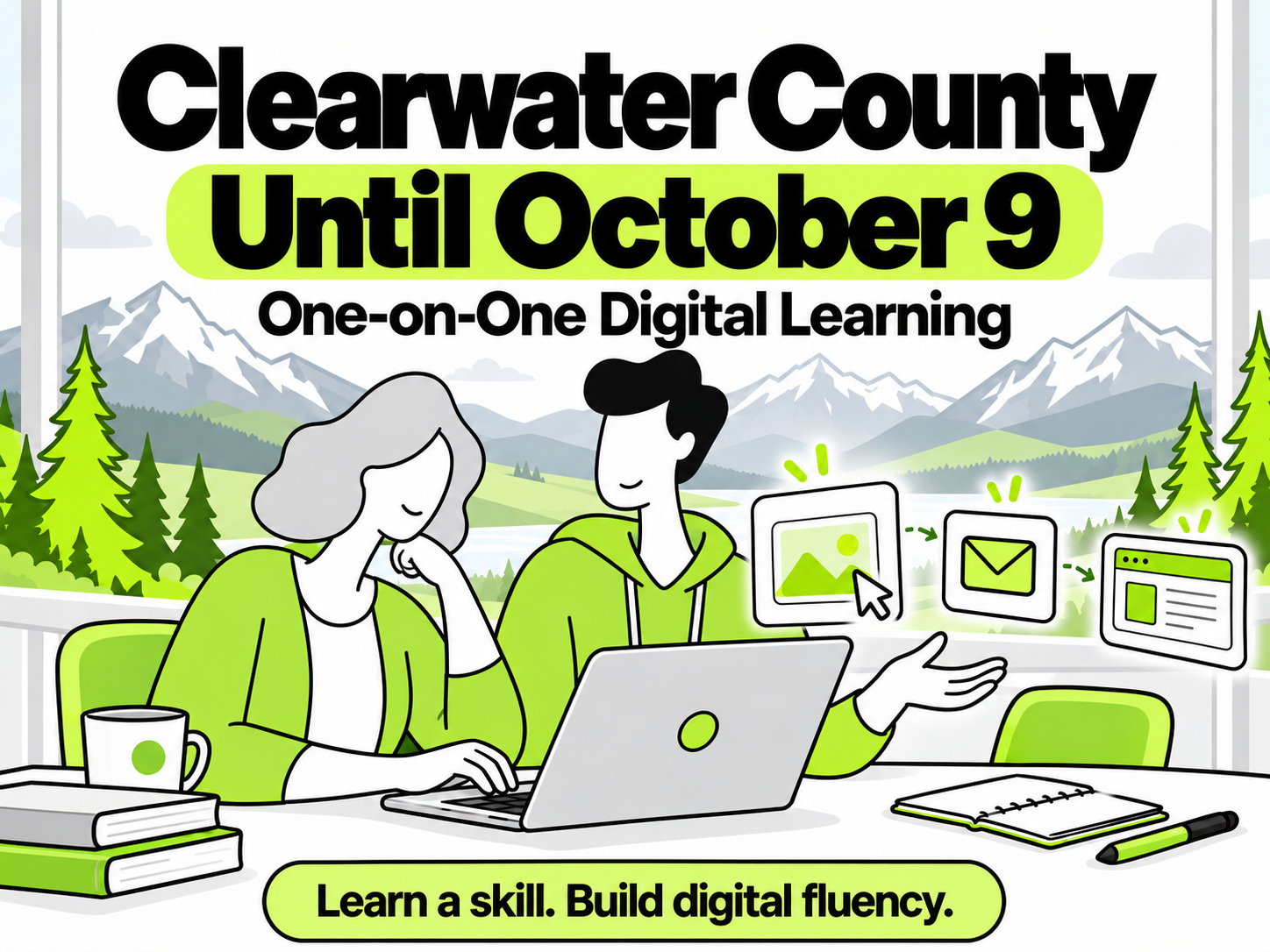
The Digital Pickle Studio is currently offering in-person, one-on-one digital learning sessions in the Clearwater County area until October 9 2026. Sessions can be arranged at local libraries, and travel fees may apply.
Contact the studio with a skill or project of interest to discuss a session. There is no need to know the technical name for something—a description of what the learner hopes to accomplish is enough to begin. Our location schedule and current availability is posted on our website and social media.
Contact Us if you are interested in booking a learning session.
Availability is limited.
Learning to use technology often begins with something specific. Perhaps the goal is to take photos and upload them, or run a business, or become more comfortable using email. Having something meaningful to work toward gives the learning a purpose and a place to begin.
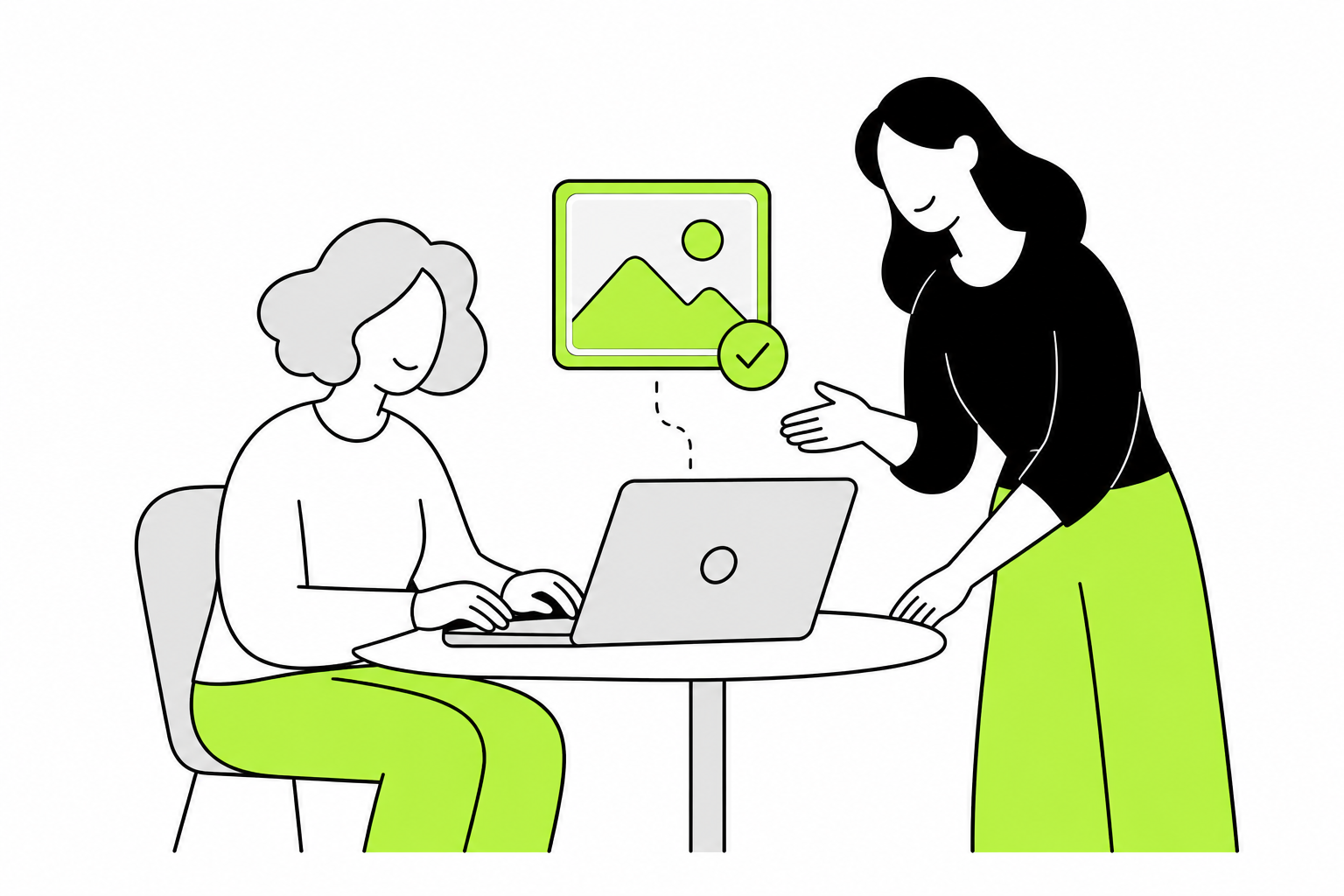
The Digital Pickle Studio offers one-on-one learning built around that choice. The learner brings a skill they would like to develop, and we work through it together. They take the hands-on role, with guidance, explanations, and support as needed.
Learning Through The Screen
Each task offers opportunities to understand more than the steps needed to complete it. As we work, we practise noticing what the screen is communicating: what a button suggests, how a menu organizes choices, what changes after a click, and where to look when the next step is unclear.
These small observations help build digital fluency—the ability to understand and move through digital tools with growing confidence. Familiar patterns begin to emerge, and those patterns can help when approaching another program or an unfamiliar task.
For example, learning to upload a photo can also introduce how to find a saved file, recognize a selection window, and check that an upload has finished. Learning email can involve understanding common icons, noticing the difference between composing and replying, and recognizing confirmation that a message has been sent. A chosen skill becomes a practical way to explore how digital tools work.
Guidance While The Learner Takes The Lead
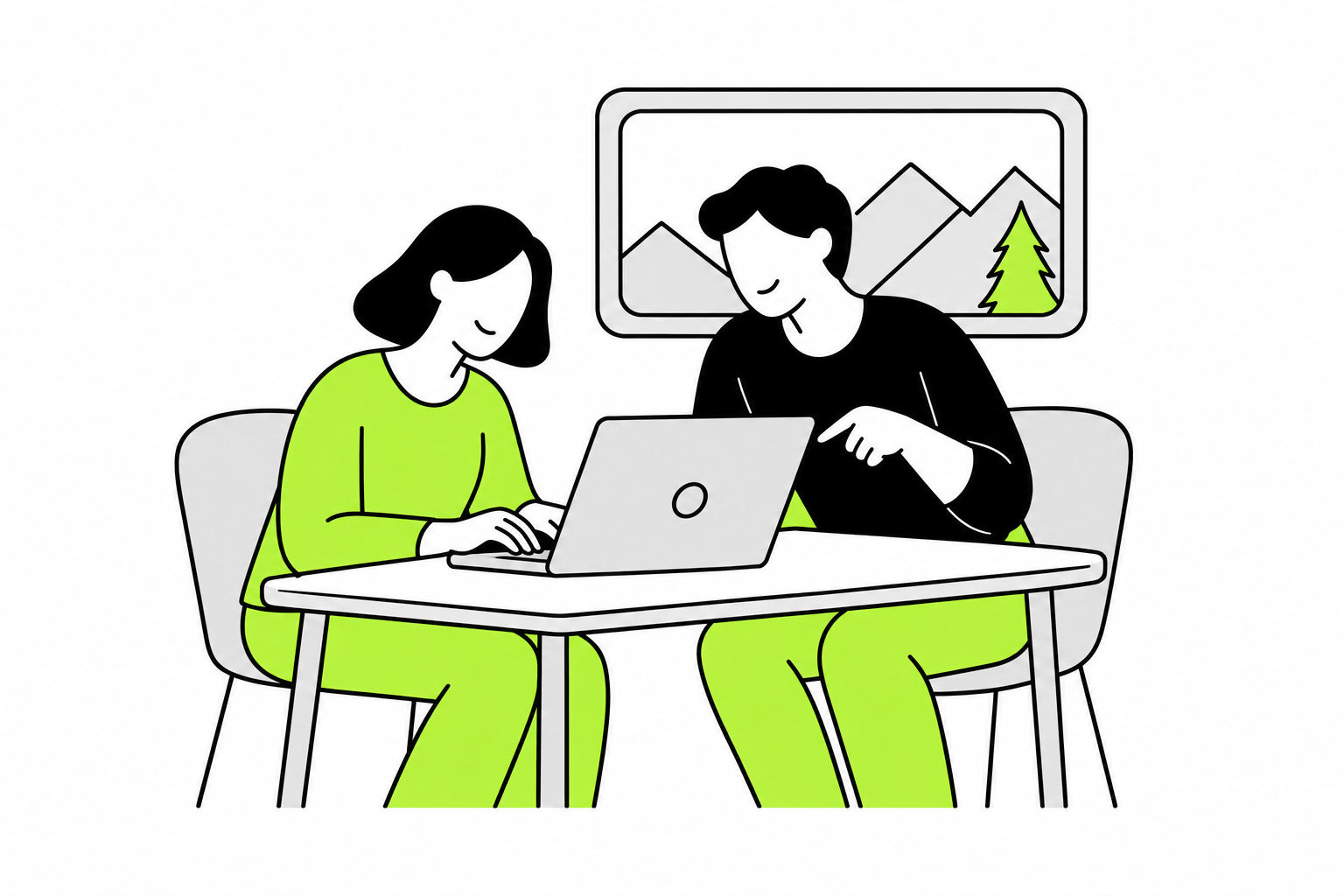
The learner does the exploring, clicking, and creating. My role is to help make sense of what is happening, explain unfamiliar ideas, and offer guidance when something becomes confusing. We can pause, revisit a step, or try another explanation as needed.
We want to develop both the chosen skill and the process of learning through a screen. That includes asking questions, noticing clues, checking what happened, and deciding what to try next. There is room to practise and make mistakes without feeling rushed.
As a digital creative solutions expert and certified community support worker, I bring practical digital experience and a patient, judgment-free approach to these sessions. Learning begins with the person, their interests, and their current level of comfort.
Contact hours
Monday ……………. 6:00am-1:00pm
Tuesday ……………. 6:00am-1:00pm
Wednesday ……. 6:00am-1:00pm
Thursday ………….. 6:00am-11:00am
Friday …………………. Closed
Saturday ………….. Closed
Sunday ……………… Closed