
Getting Started: Accounts and Passwords
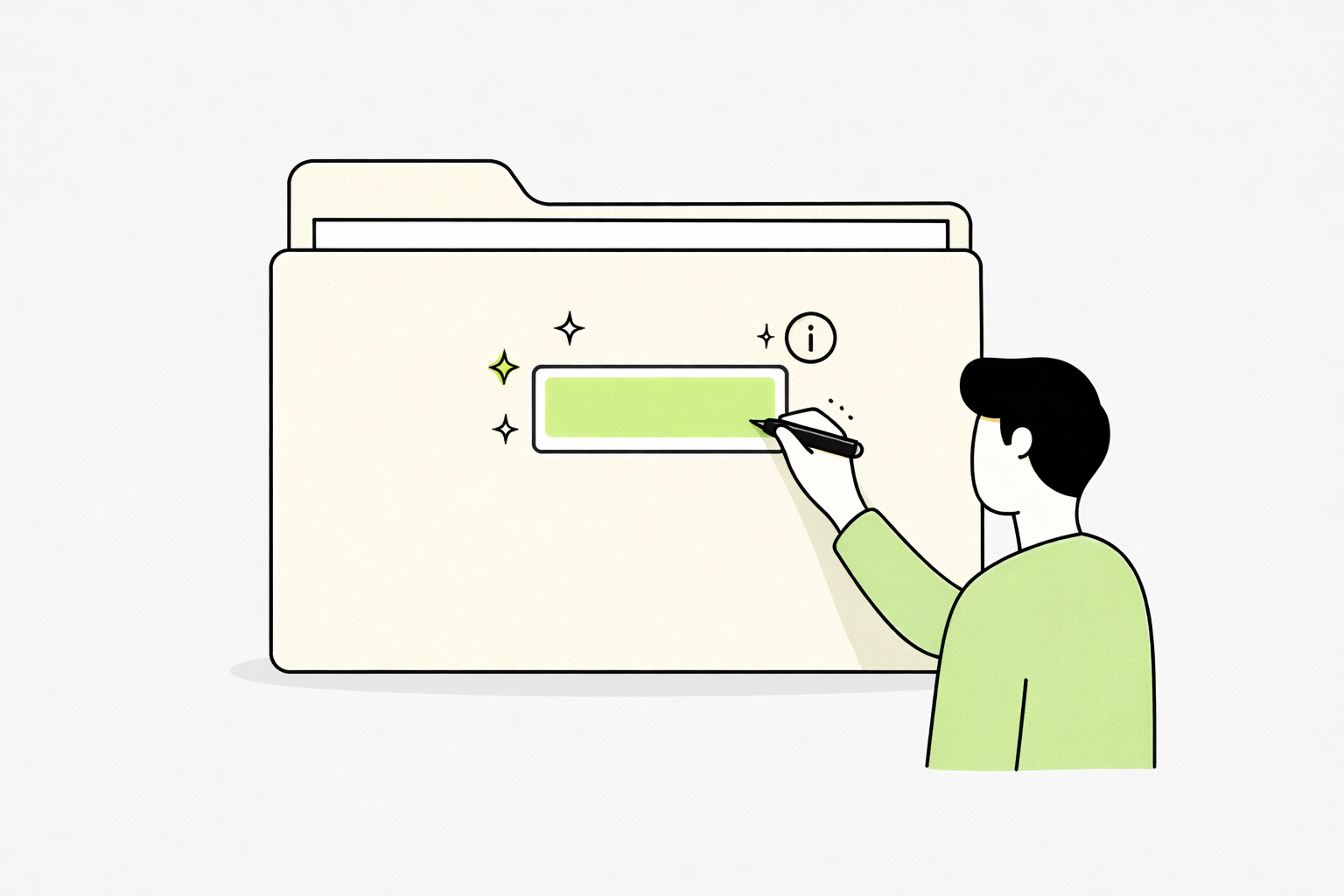
“An account is like a folder. A simple, big yellow folder.”
When you start using a service that needs to keep track of you, they will create a folder just for you. Such as a bank, or an office of some kind. These services will create a profile of you, in a large yellow folder.
They will put a label on that folder so they know it belongs to you.
Inside that folder, they keep everything related to you:
your information
your preferences
anything you’ve done or saved
So when you come back later, nothing is lost — they can open your folder and continue where you left off.
That folder will also have a lock on it - it can only be opened with a specific key.
That key is your password.
Only someone with the right key can open the folder and see what’s inside.
To Clarify:
That folder we’ve been talking about — that’s what people mean when they say “account.”
The info written on the label of the folder is how they recognize which one is yours.
That’s what’s often called a username or account name. It might be your name, your email address, etc. Some piece of identifying information.
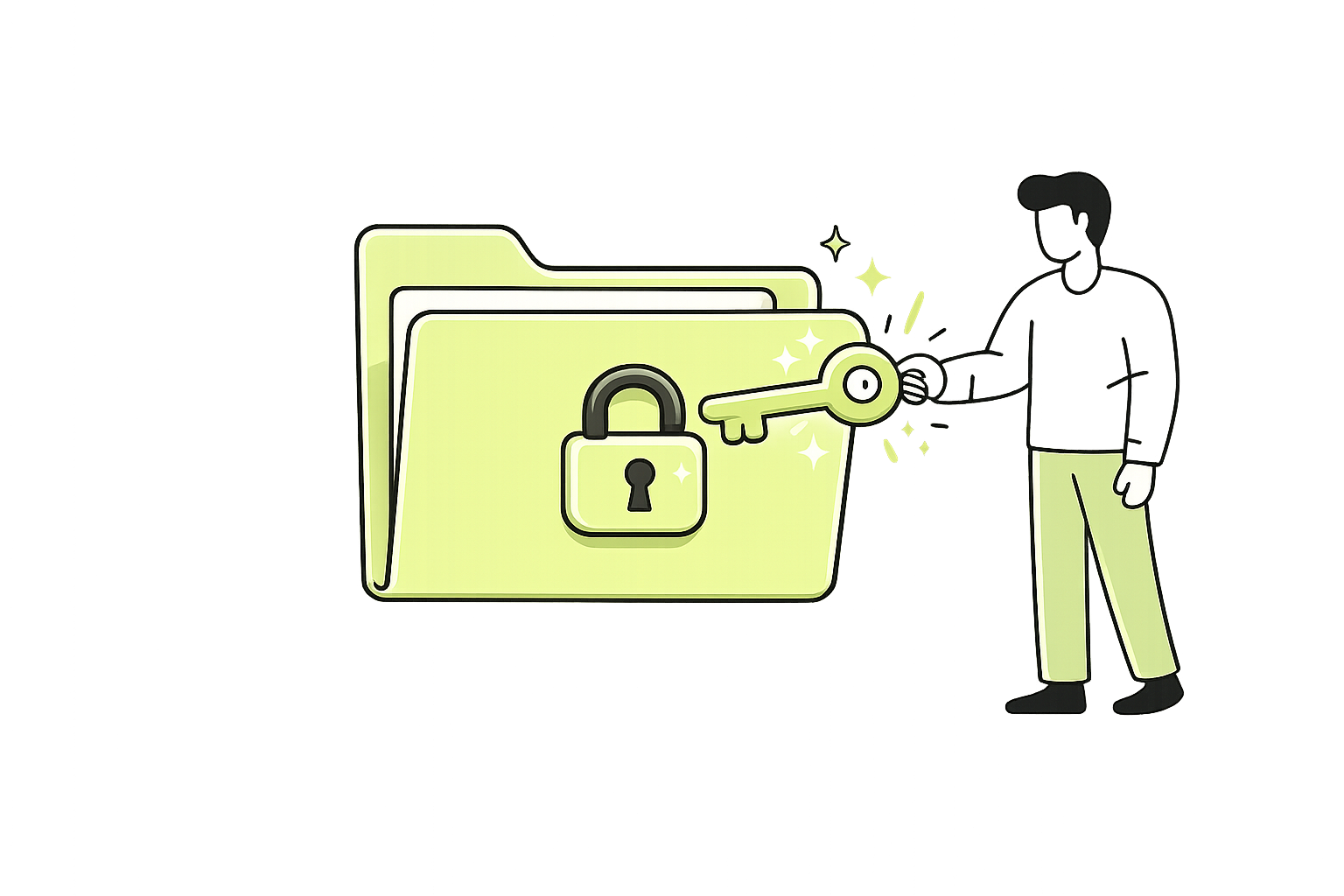
And the key you use to open the folder —
that’s your password. You need to have that key to open your folders, so make sure you take the utmost care of your keys. Without them, you will lose access to your accounts.
Challenge
Keep a written list of your accounts and passwords.
Choose one safe, specific place to store this list — somewhere you won’t lose it, but others won’t easily access it.
Writing things down on paper is not just “okay” when you’re learning — it’s highly recommended - especially for beginners.
Make a habit of updating this list as things change.
If you don’t keep it current, it quickly stops being useful.