
Better Digital Habits: Click Once, Then Wait
A button is clicked, but nothing seems to happen. There is no immediate change on the screen, no new page appears, and no message confirms that the click worked. The natural response is often to click again. When the second click also appears to do nothing, a third click may quickly follow.
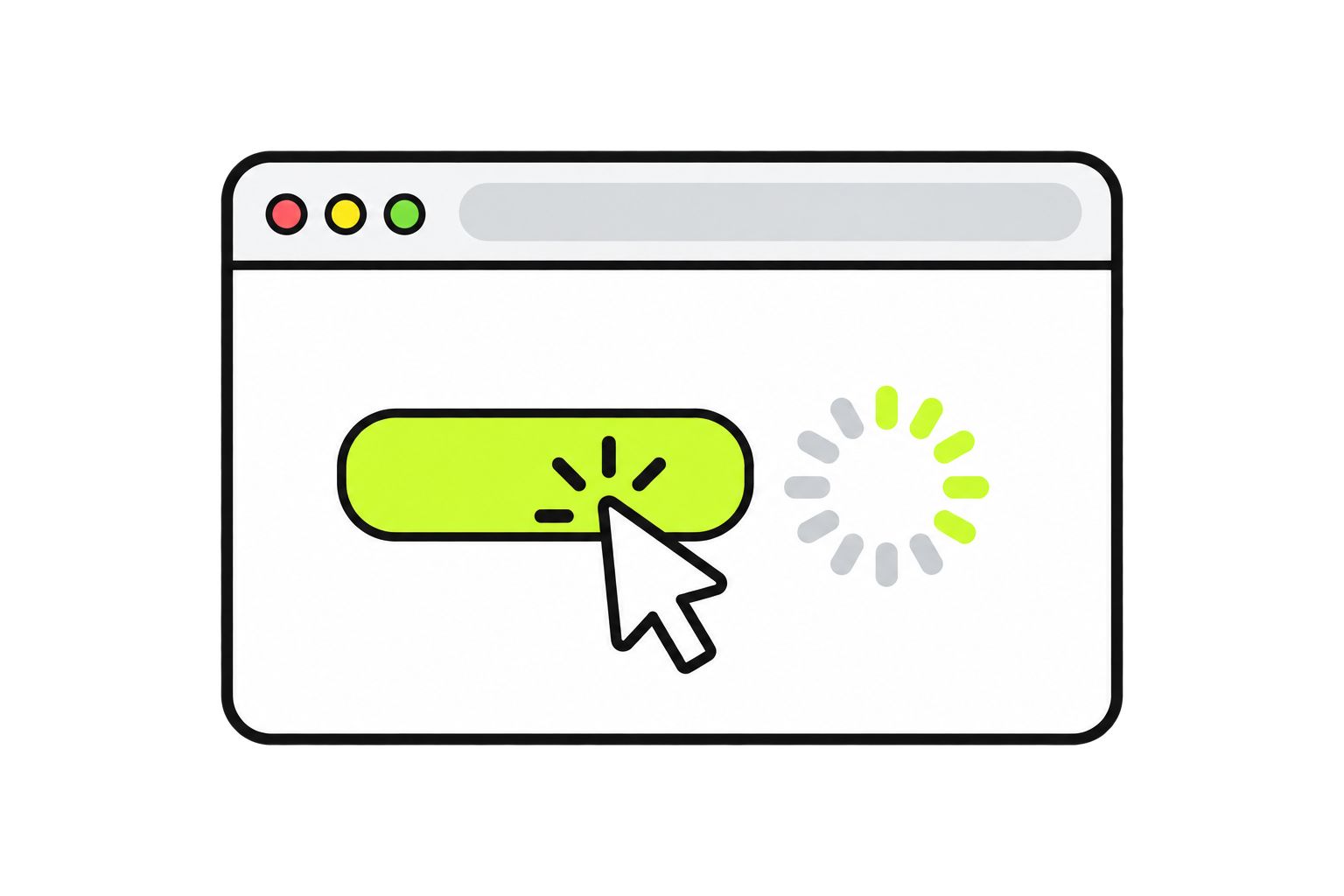
This reaction makes sense. Clicking is supposed to make something happen, so a quiet screen can feel as though the computer did not notice. Behind the screen, however, the first click may already be working. The device may be loading a page, opening a program, submitting information, or completing another task that simply takes a moment.
One of the simplest and most useful digital habits is to click once, pause, and watch for a response before deciding what to do next.
A Click Can Work Before Anything Changes
Computers often respond so quickly that even a small delay feels unusual. We become accustomed to buttons reacting immediately, which makes a slow response easy to mistake for no response at all. In reality, clicking something begins a process, and some processes take longer than others.
A website may need time to load information from the internet. A program may be opening a large file. A device may be busy completing several tasks at once. A slower internet connection, an older device, or a complicated webpage can all create a short gap between clicking and seeing the result.
During that gap, the computer may still be following the original instruction. The lack of an immediate visual change does not always mean that nothing happened. Sometimes the result simply has not appeared yet.
Why Repeated Clicking Can Cause Trouble
Each click is an instruction. When the same button is clicked several times, the computer may receive the same instruction several times as well.
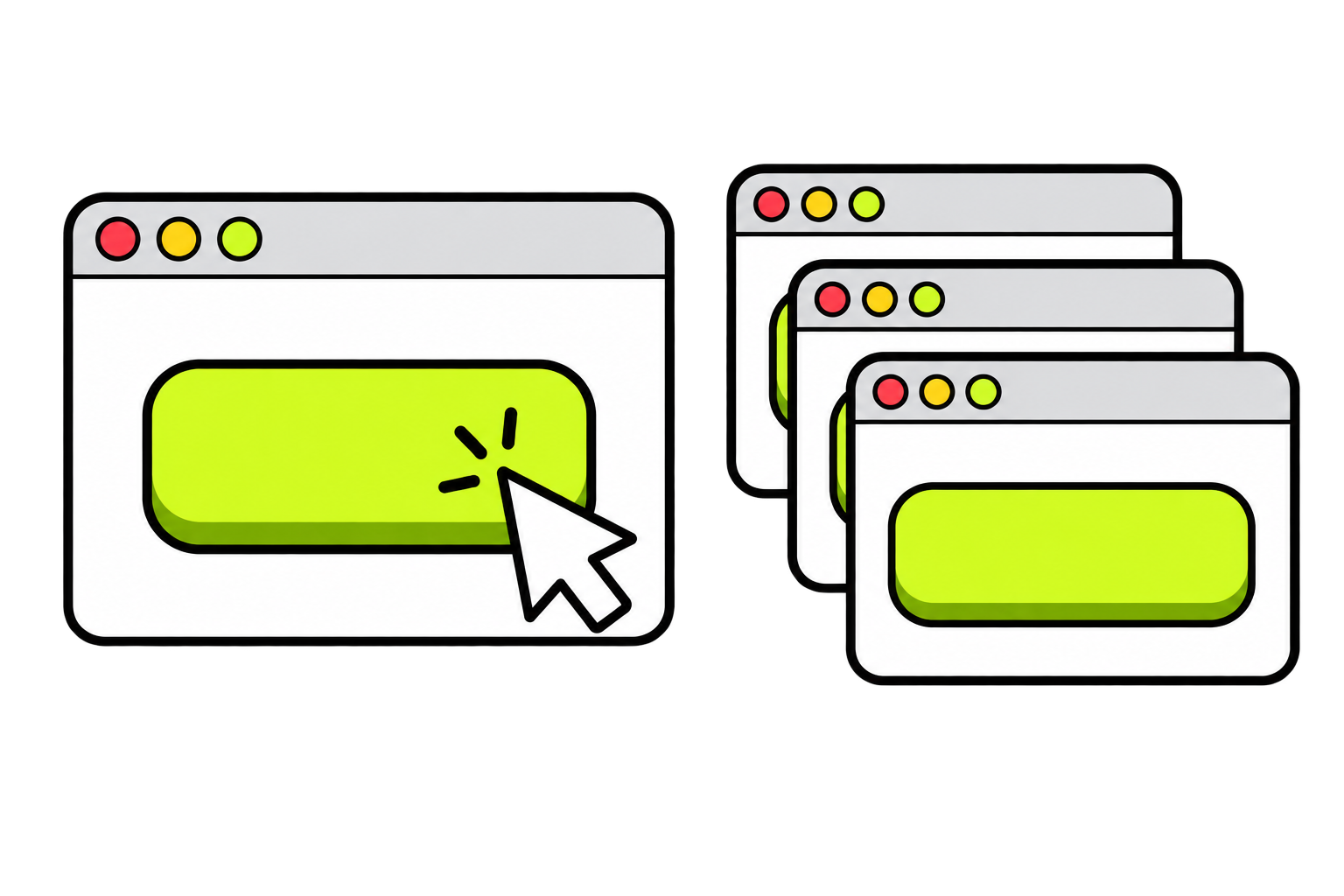
Those extra clicks might not appear to do anything at first. Once the device catches up, however, all of them may begin taking effect. This can lead to several copies of the same program opening, multiple windows appearing, or the screen suddenly jumping through more than one action. A form may be submitted repeatedly, or a button may continue responding after the expected result has already appeared.
Repeated clicking can also make a slow situation more confusing. Instead of waiting for one task to finish, the device may now be trying to handle several instructions. That extra work can create a longer delay, which makes the computer appear even less responsive and encourages even more clicking.
The result can become a cycle:
Something is clicked.
No immediate change is visible.
The same thing is clicked again.
The device receives several instructions.
Several actions happen at once, or the delay becomes longer.
The screen behaves in an unexpected way.
The first click may have worked perfectly well. The computer simply needed time to show the result.
Look for Signs of a Response
After clicking, take a moment to observe the screen. A response may be subtle, especially when a task has only just begun.
A spinning circle may appear beside the cursor. A loading symbol may show on the page. A button may change colour, become faded, or display a short message. A browser tab may show a small moving symbol. The address at the top of the browser may begin changing. A program may appear on the taskbar before its window fully opens.
These small changes are clues. They show that the click was recognized and that something is happening, even when the final result has not appeared.
Not every program provides a clear loading symbol, though. Sometimes the only sign is a brief pause. This is why waiting for a moment is useful even when the screen looks unchanged.
A Better Pattern: Click, Watch, Then Decide
The goal is not to avoid clicking or to become nervous about every action. The goal is to give each action enough time to provide information.
A helpful pattern is:
Click once.
Pause for a moment.
Watch for movement, loading symbols, messages, or other changes.
Decide on the next action based on what appears.
This small pause creates space to notice what the computer is doing. Rather than sending several instructions and hoping one works, we can send one instruction, observe the response, and then make a more informed decision.
The amount of time needed will vary. A familiar button on a simple page may respond almost immediately. Opening a large program or loading a complicated website may take longer. There is no exact number of seconds that applies to every situation. The important habit is allowing a reasonable pause before repeating the action.
When Nothing Happens After Waiting
Sometimes a click genuinely does not work. The button may have been missed, the page may have stopped responding, or the device may be experiencing a problem. Waiting does not mean sitting indefinitely in front of an unchanging screen.
After a reasonable pause, look again for clues. Has anything changed? Is a loading symbol still moving? Does the cursor move normally? Can another part of the page be selected? Is there a message hidden behind another window? These observations can help distinguish a slow response from a frozen program or a missed click.
If the screen remains unchanged and there are no signs of activity, try the action once more. Click carefully, then pause again. If there is still no response, the problem may require a different step rather than more clicking. Refreshing a webpage, closing an unresponsive window, checking the internet connection, or reopening a program may be more useful than continuing to press the same button.
The key is to make each next step deliberately. One action followed by observation provides much more useful information than several fast actions made before the computer has time to respond.
Patience Is Part of Digital Problem-Solving
“Click once, then wait” may sound like an extremely small lesson, but the habit behind it is much larger. Good digital problem-solving often follows the same basic pattern: take one action, observe what changes, and use that information to choose the next action.
When several actions happen quickly, it becomes difficult to tell which one caused the result. When actions are taken one at a time, the computer becomes easier to understand. A successful response can be recognized. A delay can be noticed. A problem can be narrowed down. Even an unexpected result provides useful information because there is a clear connection between the action and what happened next.
This habit also makes unfamiliar technology feel more manageable. There is less pressure to know every answer in advance. Instead, progress can happen through small experiments: try one thing, watch carefully, and continue from there.
The Habit to Remember
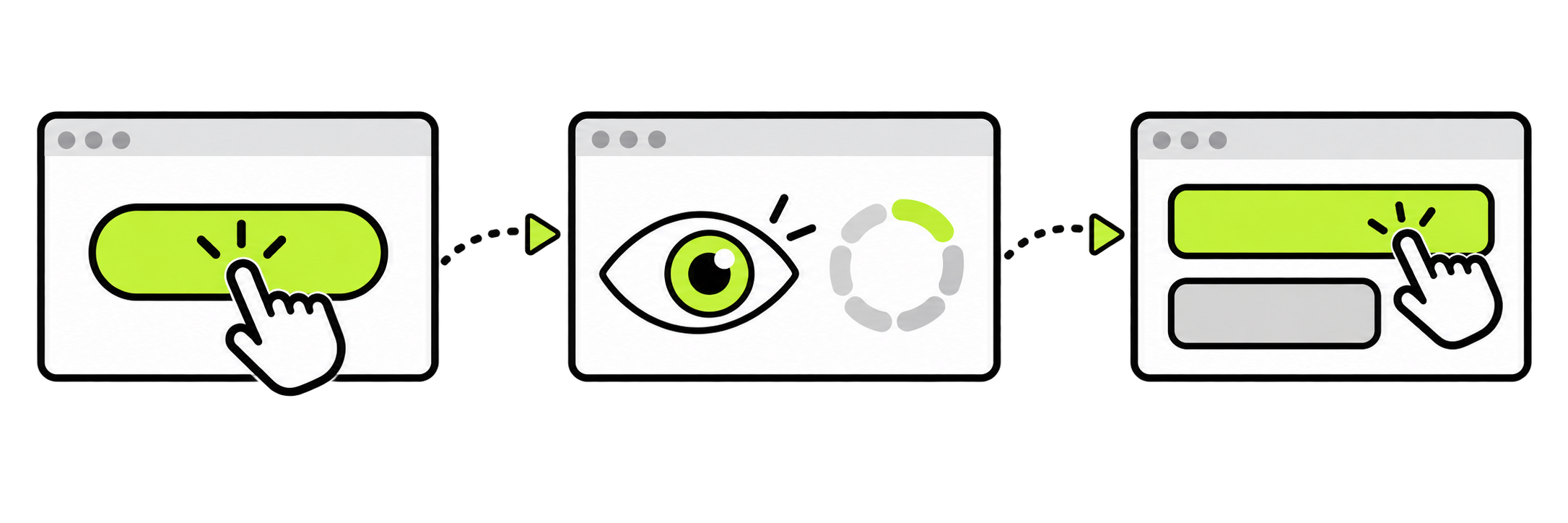
When a click does not produce an immediate result, resist the urge to rapidly click again. Give the device a moment to respond and look for signs that something is already happening.
Click once. Watch the screen. Then decide what comes next.
That brief pause can prevent duplicate actions, reduce confusion, and reveal valuable clues about what the computer is doing. More importantly, it builds a calmer and more deliberate way of working with technology—one action and one observation at a time.