
Getting Started: Downloading, Installing, and Uploading
“Bring it in - set it up - send it out.”
When using a phone or computer, you’ll often hear words like download, install, and upload. They can sound technical, or like something you’re expected to already understand.
But they’re really just describing simple, everyday actions.
A helpful way to think about it is this:
Your device is like your home, and the internet is the outside world. Things are always moving between the two—and these words just describe how that movement works.
Downloading
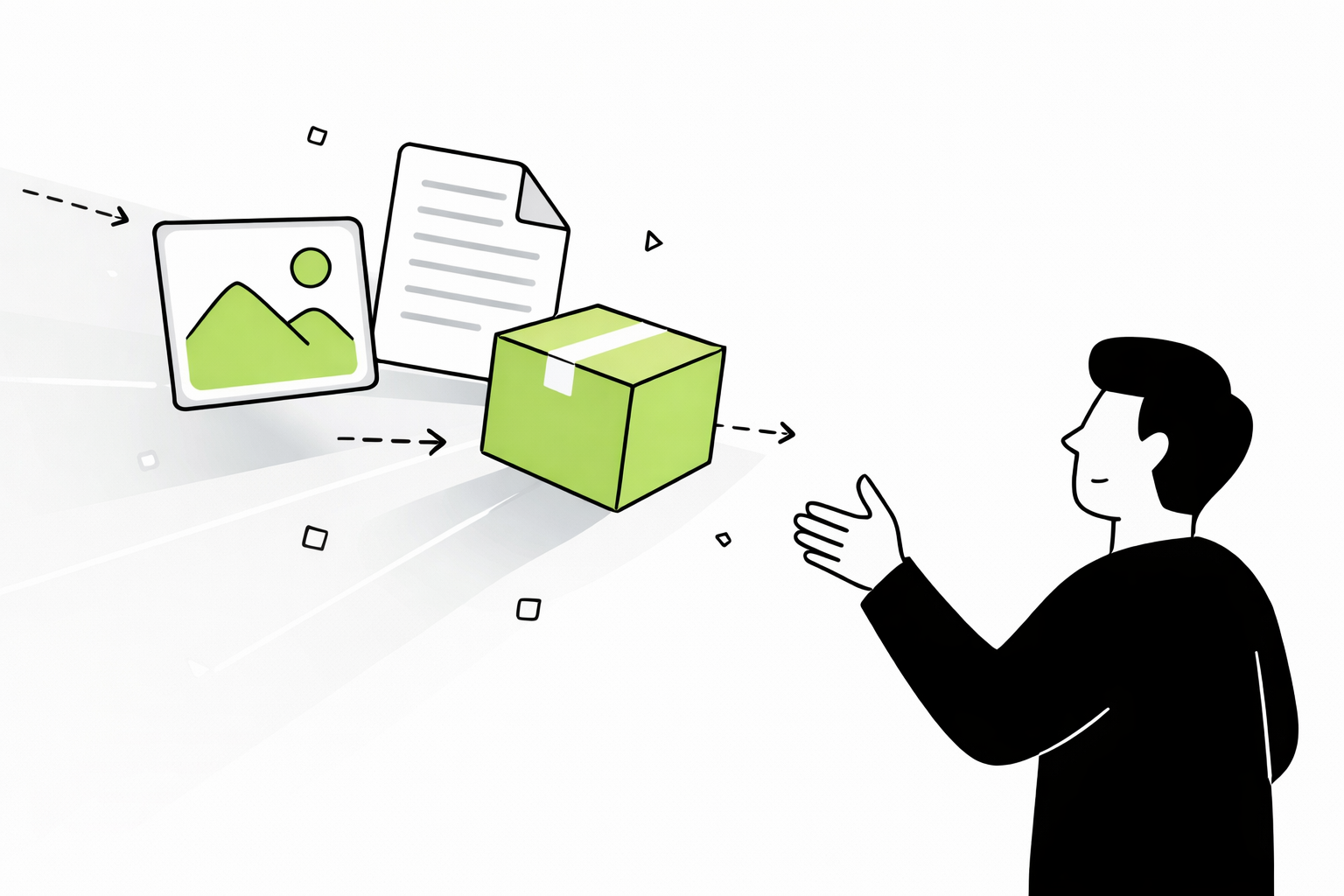
Bringing something into your home
Downloading means taking something from the internet and bringing it onto your device.
Think of it like:
bringing a package inside
coming home with groceries
Once it’s there, it’s yours to use. You can open it, come back to it later, and use it without needing to go back out and get it again.
Downloading includes things like:
saving a photo
getting an app
downloading a word document
Installing
Setting it up so it actually works.
This is where people often get stuck.
Downloading brings something in—but installing is what makes it usable.
A simple way to picture it:
you bring home a disassembled shelf → that’s downloading
you piece the shelf together to make it usable → that’s installing
Until something is installed, it’s not fully ready to use.
A lot of the time, phones and computers do this part automatically, which is why the difference isn’t always obvious—but the step is still there if you watch closely.
Uploading
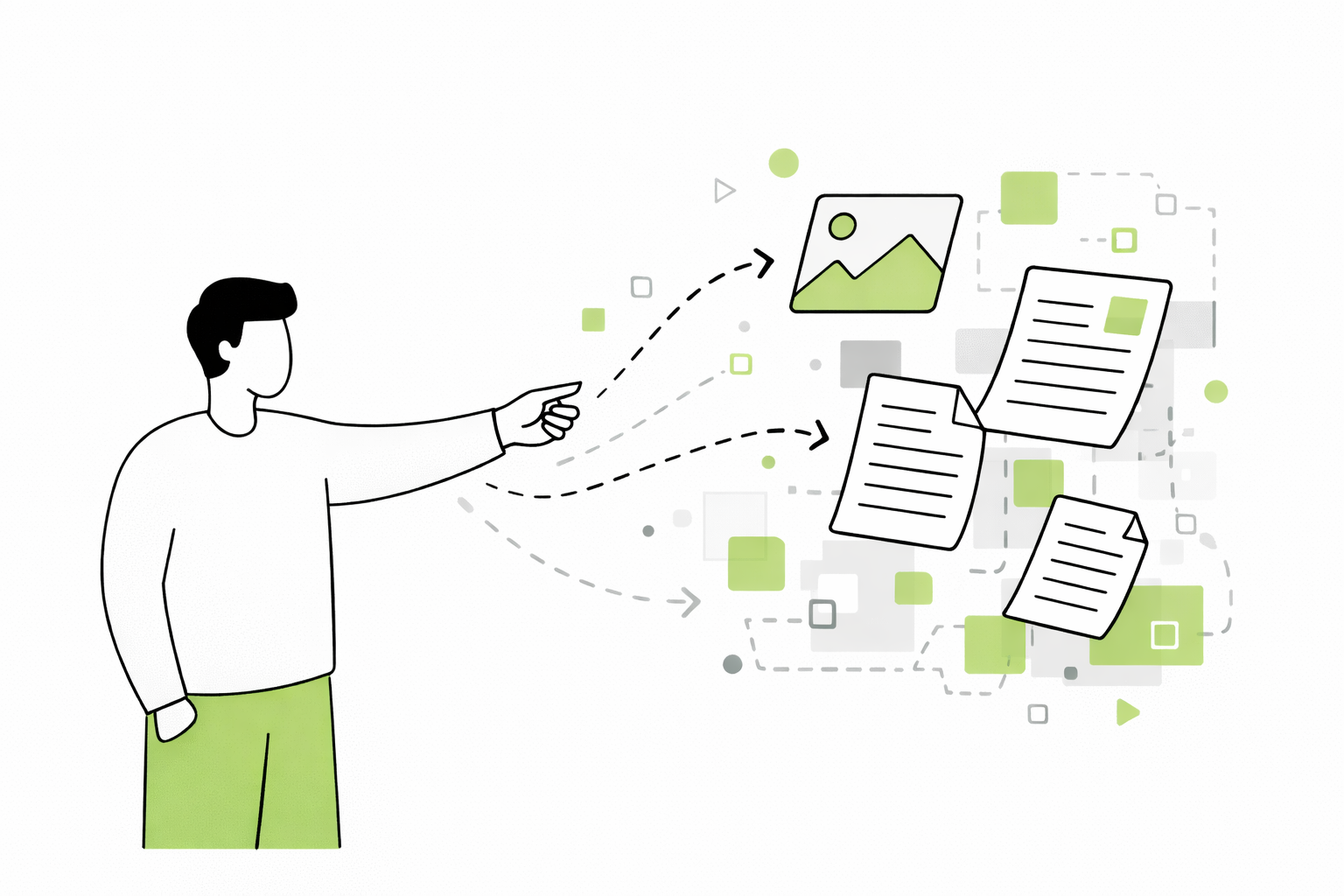
Sending something out from your home
Uploading is the opposite of downloading.
You’re taking something from your device and sending it out to the internet.
Think of it like:
mailing a letter
sending a package
Uploading includes:
posting a photo
sending an email attachment
sharing a document
A simple way to remember it
Downloading brings it in.
Installing sets it up.
Uploading sends it out.
One Last Thing
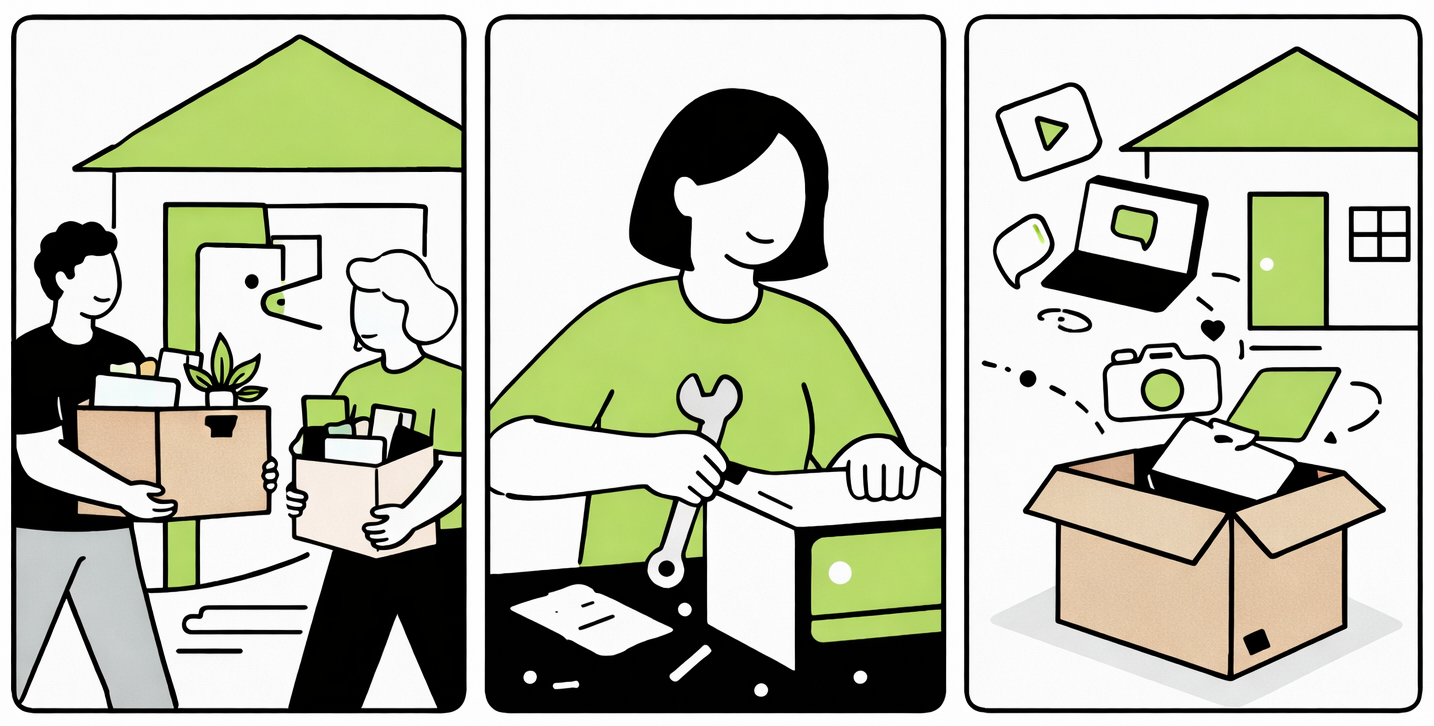
These terms show up often, and they tend to get used without much explanation. It’s easy to feel like you’ve missed something along the way, especially when everything else keeps moving forward.
In reality, they’re just describing movement—bringing something in, setting it up, or sending it out. Once you have that basic idea, the words themselves don’t need to carry much weight.
Over time, you’ll start to recognize these actions as they happen. A file saves, a photo sends, an app opens—and it all begins to feel more familiar simply through use.
And that’s really the point. Not memorizing the terms, but getting comfortable with what’s happening on your screen, one small step at a time.