
Getting Started: What Is The Internet, Actually?
“The internet is just a system.”
A System: A set of things working together as parts of a whole mechanism.
The internet is just devices - sending and receiving information - while following certain regulations, interactions, and behaviors. This forms a system.
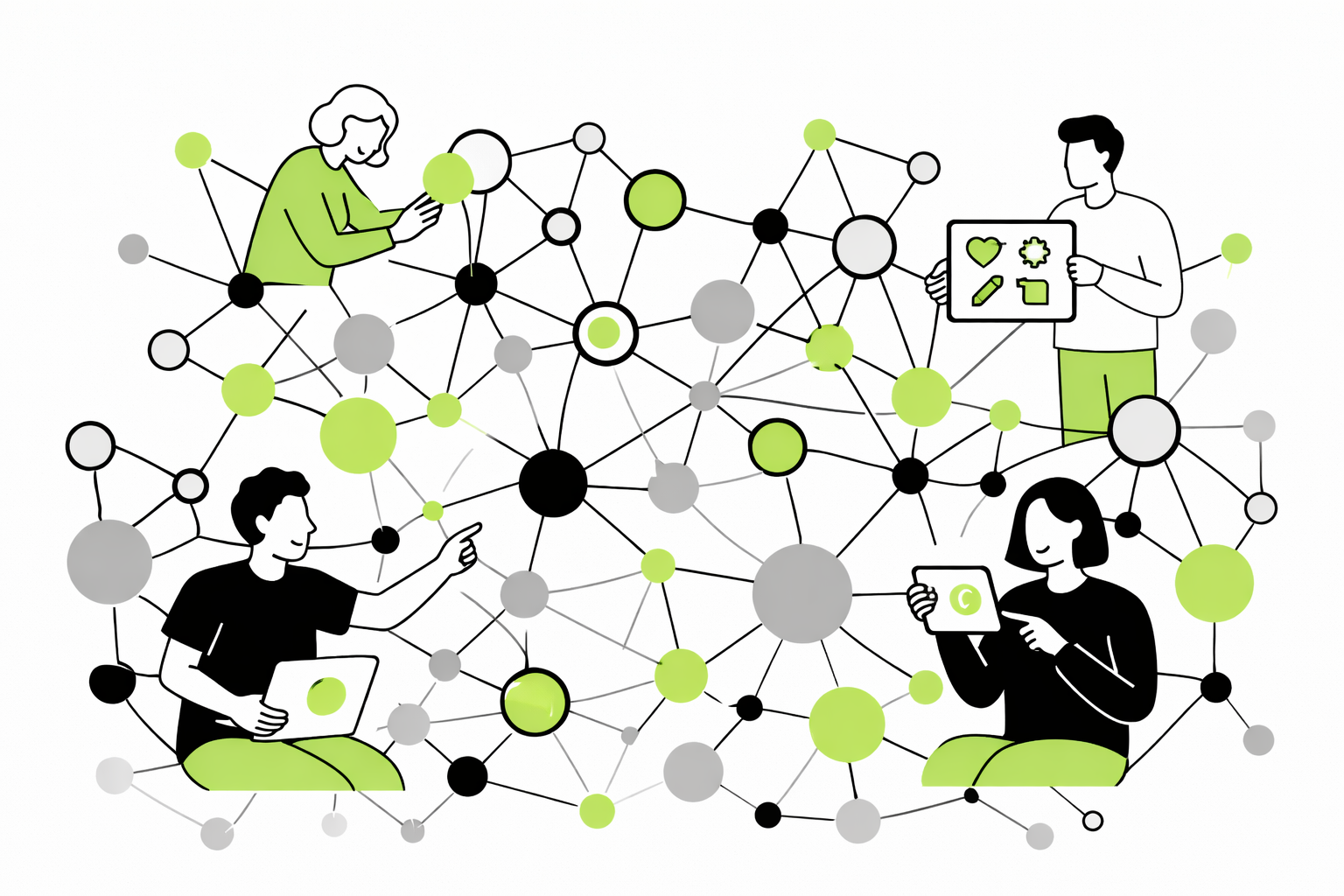
When people say “the internet,” it can feel like they’re talking about something invisible, complicated, or out of reach. Like it’s this big, technical thing that only certain people understand. But at its core, the internet is actually something very simple.
It’s not a place you go to, and it’s not a thing you open. It’s something that’s always there in the background.
A Simple Way to Picture It
A helpful way to understand the internet is to think of it as a giant system of connected devices. It’s not one single thing — it’s a lot of things linked together so they can communicate.
That’s the key idea: connection.
The Internet is a Giant Web of Information Moving Between Devices
All around the world, there are millions of devices connected to each other. Phones, computers, tablets, and even larger computers that store information - are all part of this system. Because they’re connected, they can share information back and forth.
When you use the internet, you’re not accessing one single thing — you’re connecting to other devices that are receiving or sending the information you’re looking for.
What “Connected” Really Means
When we say devices are connected, it doesn’t mean anything complicated. It simply means they can send and receive information.
That’s it.
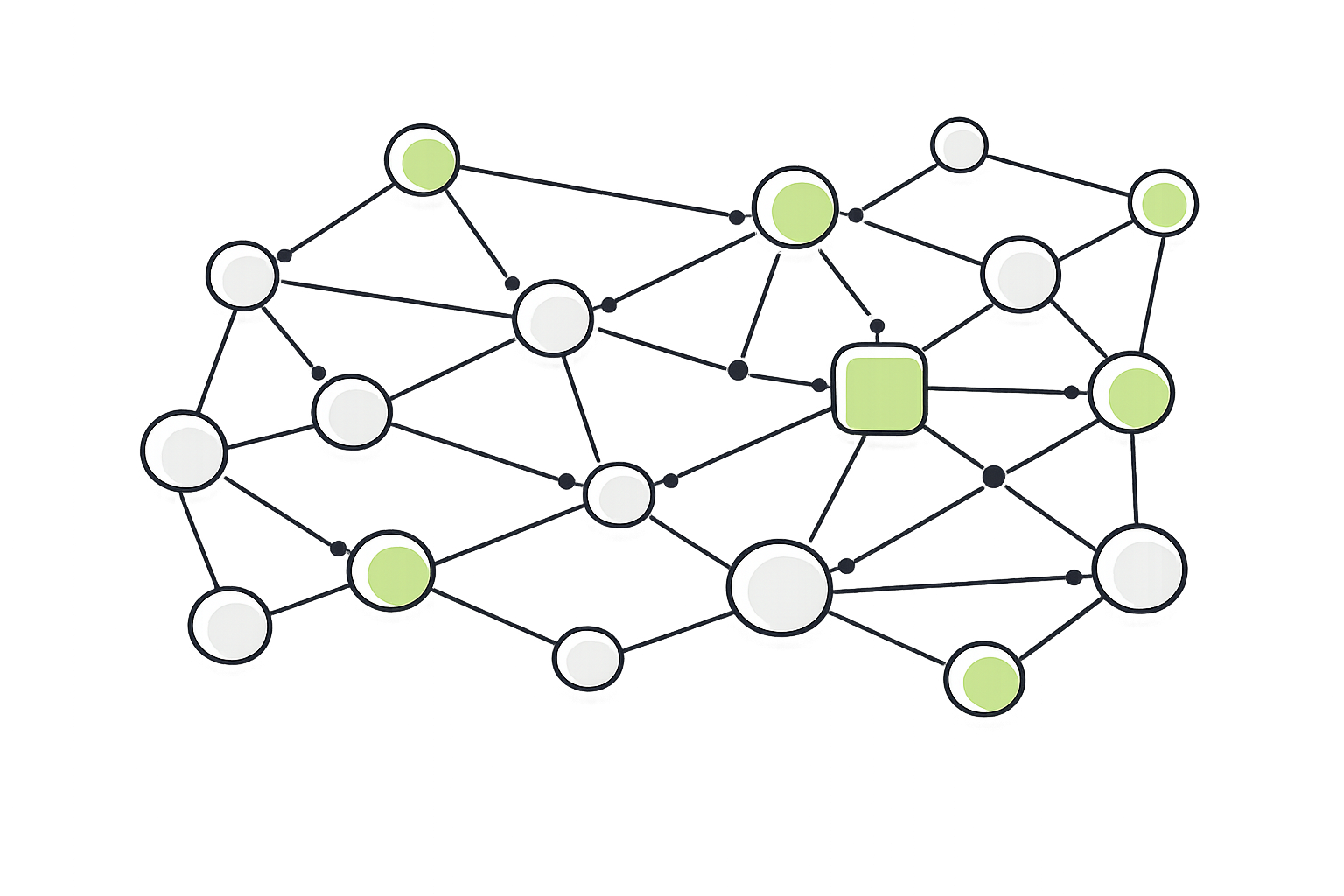
They can send something out, receive something back, and respond. In a lot of ways, it’s not that different from people communicating with each other.
A Simple Analogy
Imagine a large neighborhood where every house can send and receive mail. Inside each house, there are different things — photos, notes, stories, and information. If you want something from another house, you send a request, and they send something back.
Now imagine that every house is connected by roads. Those roads are what allow the mail to travel between them. All coming together, this is a system.
The Internet is the Roads
The internet isn’t the houses themselves — it’s the system that connects them. It’s what allows things to move from one place to another. Without those connections, nothing could travel. With roads in place, everything can travel back and forth.
What Moves Across the Internet
Every time you use the internet, something is being sent and received. This could be a message, a photo, a video, or more. All of these things are simply pieces of information moving between devices.
You don’t see it happening, but it’s always in motion.
What’s Happening Behind the Screen
When you tap on something to open it, your device sends out a request. That request travels across the internet until it reaches another device that has what you’re looking for. That device then sends the information back, and it appears on your screen.
This all happens in seconds, which is why it feels instant.
Why It Feels Confusing
One of the biggest reasons the internet feels confusing is because you can’t see any of this happening. There are no visible roads or moving parts, so it can feel like things are just appearing out of nowhere.
But nothing is appearing out of nowhere — it’s all being sent and received behind the scenes.
A Simple Way to Remember It
You don’t need to understand every detail to use the internet comfortably. What matters is having a simple way to think about it.
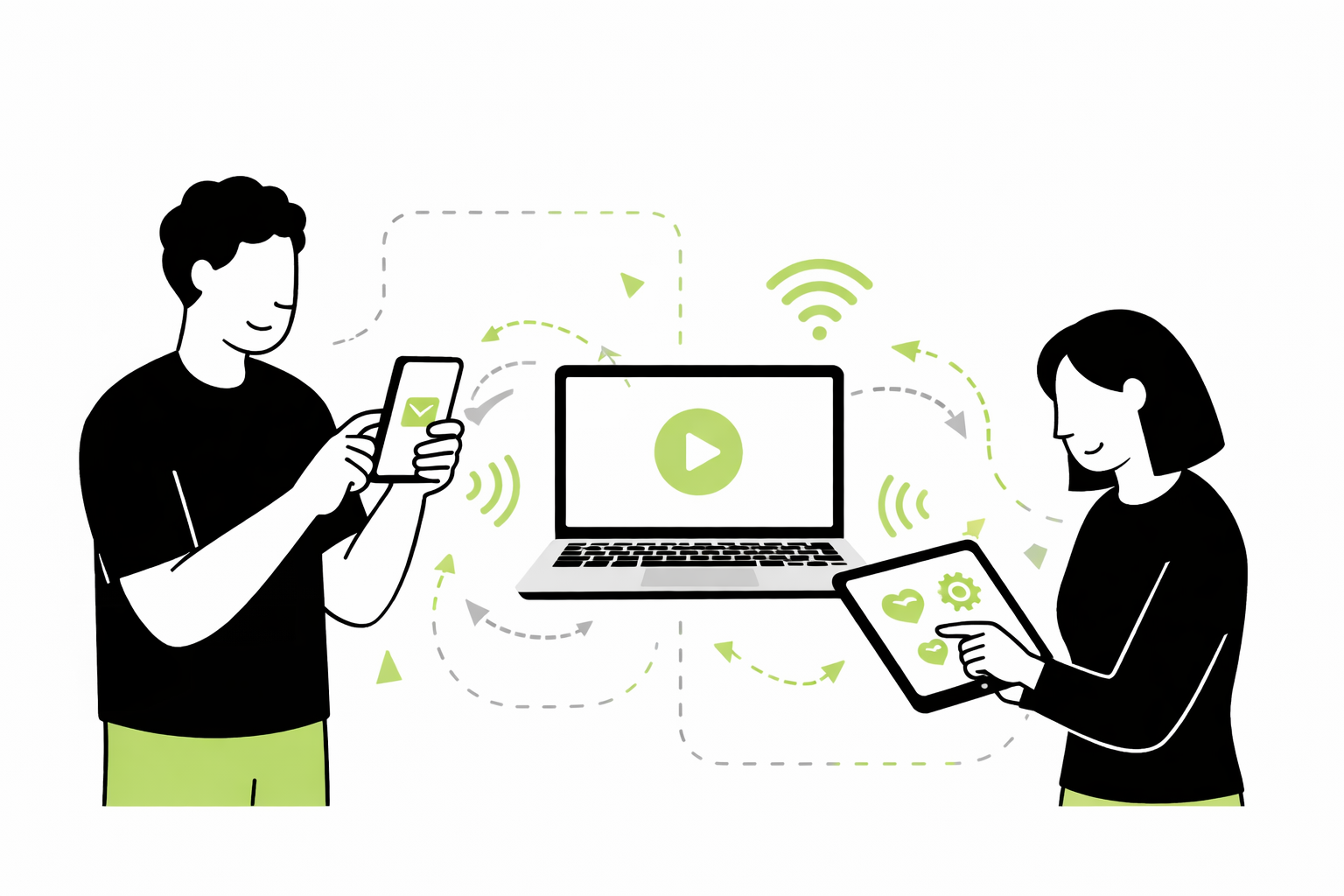
The internet isn’t a place, an app, or a single thing. It’s a system that allows devices to connect and share information.
Bringing It Back to You
Every time you do something online, your device is communicating with other devices somewhere else. It sends out a request, receives something back, and shows it to you in a way that’s easy to understand.
Once that idea settles in, the rest of the digital world starts to feel much more manageable. Instead of one big confusing thing, it becomes a series of simple steps happening in the background — all built on connection.