
The Basics: apps/programs/software
“An app, program, or software — they’re all just digital tools.”
When people talk about computers or phones, you’ll often hear a mix of different words: apps (applications), programs, and software. It can sound like they all mean different, complicated things, or like you’re expected to know the difference.
But in everyday life, they’re usually talking about the same kind of thing.
If you’ve ever said, “I downloaded a new app,” you were probably talking about a game, a writing tool, or something you can open and use. Something you can download onto a device, click on, explore, and get something done with.
That’s the part that matters.
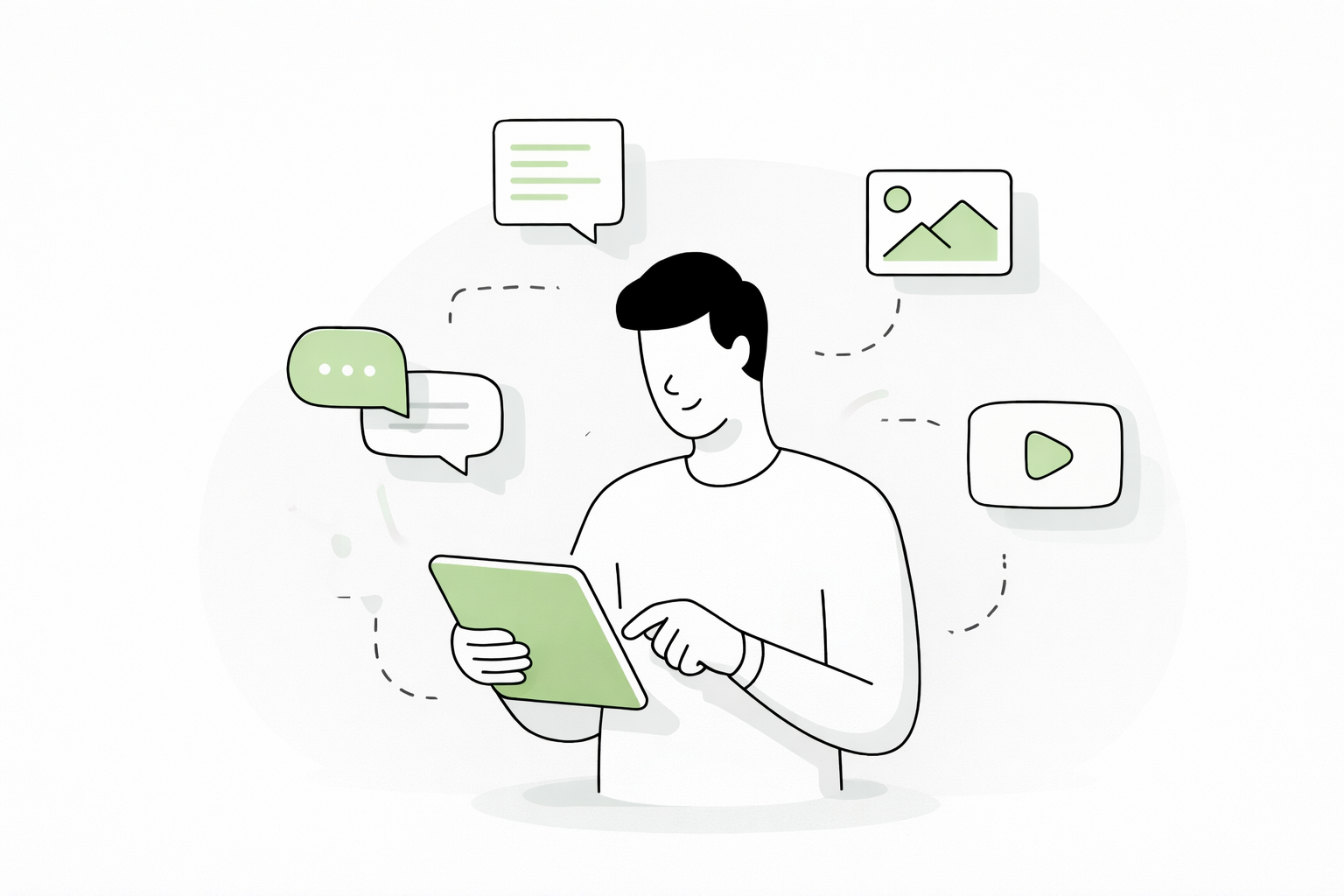
A simple way to understand it
All of these words are just different ways of describing tools on your device.
App (short for “application”) This is the word you’ll hear most often, especially on phones. An app is something you open and interact with, like a game, a messaging tool, or a photo editor. The word “app” is simply a shorter, more casual way of saying “application.”
Program This is a slightly older word that people still use a lot, especially on computers. When someone says “program,” they usually mean the same thing as an app — something installed on their device that serves a purpose.
Software This word is a bit more general. It can include everything on your device that runs or does something, even the parts you don’t see. But in normal conversation, people often use it to mean the tools they’ve downloaded and use regularly.
So what’s the difference?
There are small differences between these words, but they mostly matter to people who work with technology behind the scenes.
For everyday use, those differences don’t really help.
In fact, they often just make things feel more confusing than they need to be.
A much easier way to think about it is this:
If you can open it, click around in it, and use it to do something, it can be called an app, a program, or software.
All three words fit, and you don’t need to worry too much about which one is “right.”
One thing you’ll notice
Many apps, programs, or software will ask you to create an account before you can use them.
This is especially common with things like:
email apps
social media
online services
streaming platforms
The reason for this is simple.
The app needs a way to recognize you, save your information, and remember what you’ve done — so that when you come back later, everything is still there.
To understand accounts and passwords better - Basics: Accounts and Passwords
What actually matters
Instead of focusing on the words, it’s more helpful to focus on what these things do.
Each one is simply a tool designed to help you with something. For example:
Some help you write or create documents, like typing a letter or making a list
Some help you edit photos or design images, whether for fun or for work
Some help you communicate, like sending messages or joining video calls
Some are there for entertainment, like games or streaming videos
They all exist for the same reason: to help you do something.
Bringing it all together
So when you hear someone say:
“Download this app”“Install this program”“This software can do that”
They’re all pointing to the same idea.
A tool on your device that you can open and use, or that serves a purpose.
To Clarify
An app (short for application), program, or software is something you install or open, or use on a device to help you do something.