
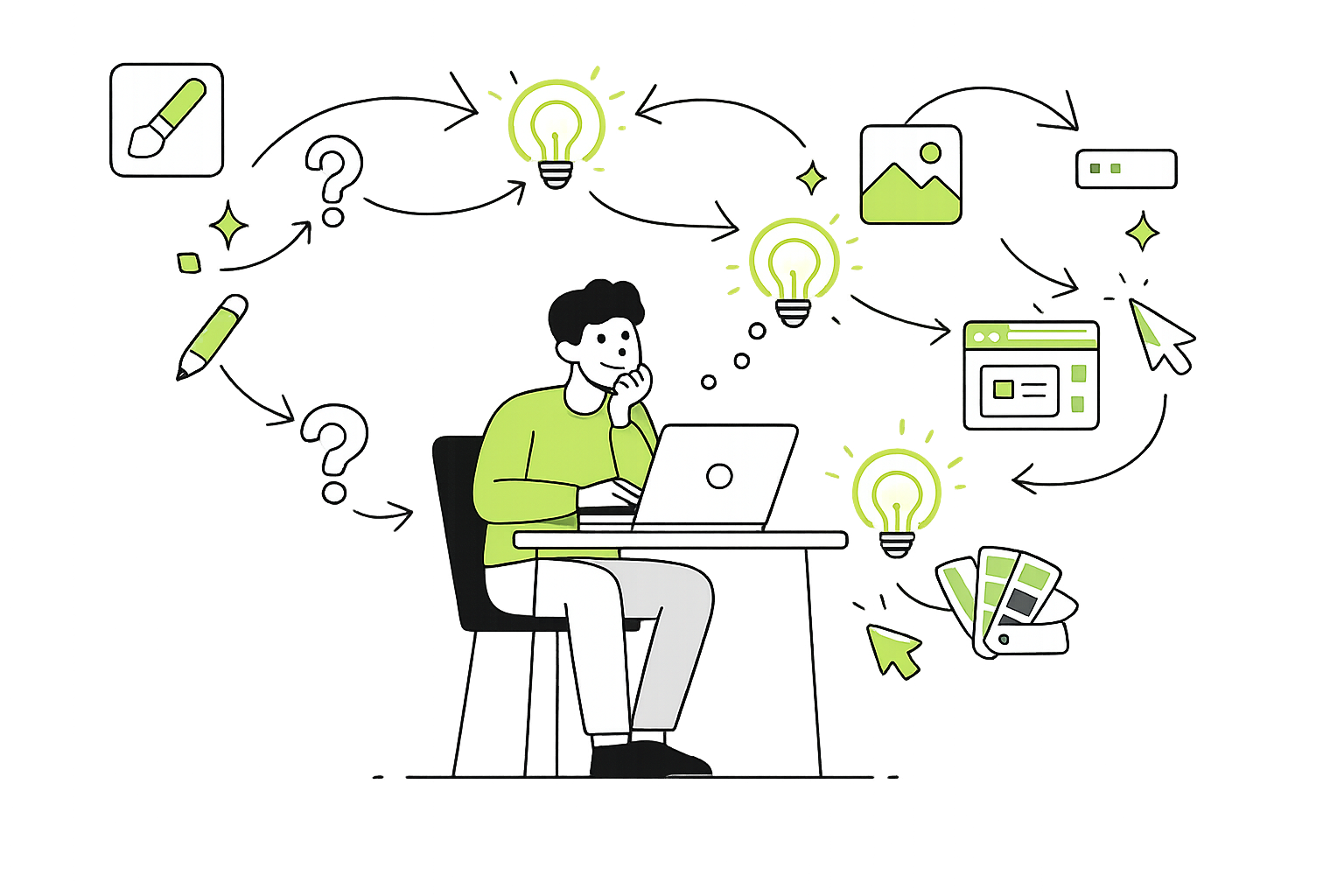
Build Confidence Online Through the Practice of Digital Creativity, and Creative Digital Problem Solving.
Curiosity Over Correctness
Exploration Over Instruction
Learning Through Doing
Problem-Solving in Real Time
Personalized, In-Person Digital Learning
All sessions are one-on-one and fully customized to the individual. Learning is shaped around your goals, your pace, and the tools you want to understand.
Work directly with a certified Community Support Worker and Digital Creative Solutions Specialist in a calm, supportive environment focused on building real confidence with technology.
In-person sessions only
Based in Alberta, Canada
Travel fees apply depending on location
Choose Your Learning Path
Software-Focused Learning
Work within a specific program or platform and learn how to navigate it independently. Instead of memorizing steps, you’ll learn how to think through the software so you can adapt as it changes.
Software suitability can be discussed during consultation.
Digital Creative Learning
Develop digital skills through creative, hands-on exploration. Learn image editing, design, content creation, or other creative tools while building strong digital problem-solving skills that apply across platforms.
••• • •• Learn Fun New Digital Creative Skills - Without Pressure • • •
Digital Storytelling
Digital Design
Digital Image Work
Digital Strategy
Photography
Digital Solutions


How learning works
We offer two primary ways to learn, depending on what feels most useful.
Creative digital learning
Some people learn best by making things. Through creative projects — like simple websites, visual design, photo editing, or digital play — we explore how digital tools behave and how to approach unfamiliar spaces with curiosity instead of fear.
The focus isn’t the final result.
It’s learning how to explore, test, adjust, undo, and try again.
Guided software problem-solving
Others prefer to work through software they already need. We help break down unfamiliar screens, translate what’s happening, and practice thinking through new tools calmly and confidently.
Instead of pointing to buttons, we focus on learning how to navigate software independently — even when it changes.