
Getting Started: Browsers
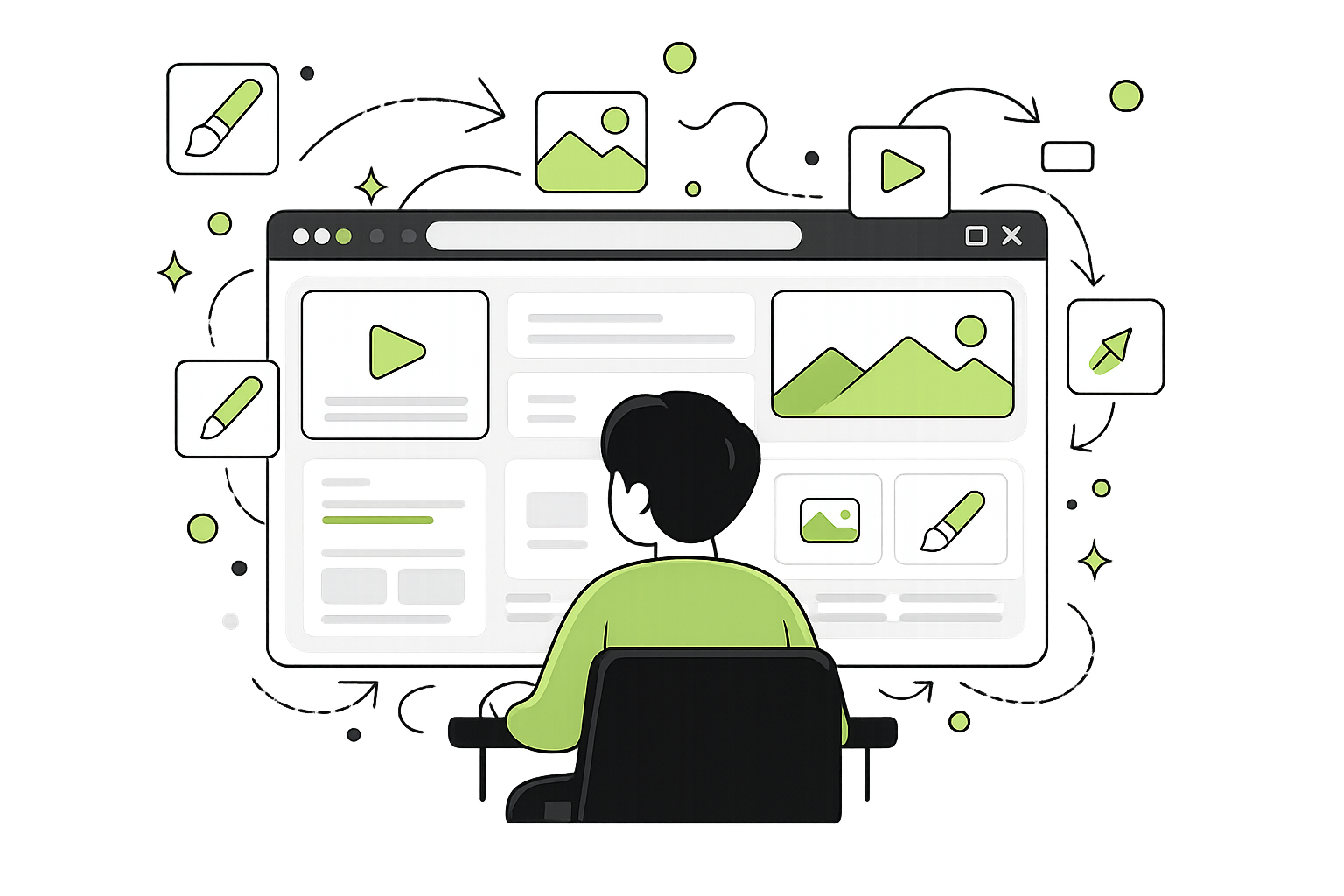
“A browser is an app/button on your device that lets you open and view the internet.
It’s not quite the thing that finds stuff.
It’s the thing that shows stuff.
People often think the browser is:
“Google”
“the search bar”
“the internet itself”
But those are all different things.
The browser is just the viewer. It’s the window to the internet.
This is the thing you will first open up to get to the next step - either to type in a search or website, among other things.
This is where you go to actually interact with, and view, the internet!
Most people use a browser every single day.
And yet most people have never actually noticed that word before. Many people often use terms like ‘google, the internet, or search’. But what they will actively use or open on their device would likely be a browser.
It’s easy to miss; you just tap an icon, something opens, and off you go. Checking the weather, watching videos, reading the news, downloading something, typing in a search. It all just sort of… happens, and no one really stops to explain what these things actually are and how they differentiate from each other.
How It Might Look
Let’s say you want to look something up.
The first thing you’ll do is open the thing on your phone or computer that you normally use to go on the internet. It’s usually an app you tap or click—something like Google Chrome, Safari, Mozilla Firefox, or Microsoft Edge.
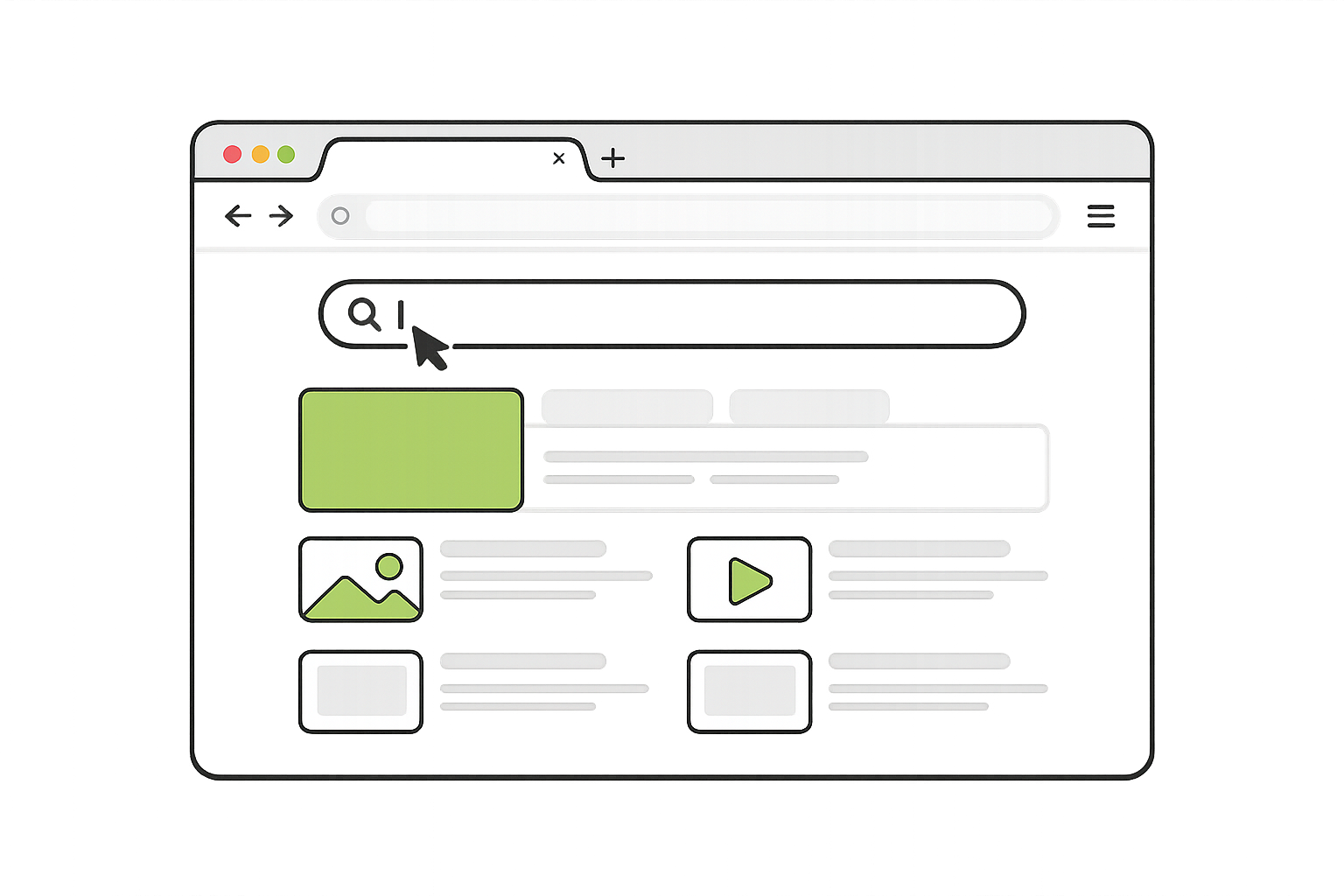
The names might be different, but they all do the same job. Think of them like different brands of the same kind of tool.
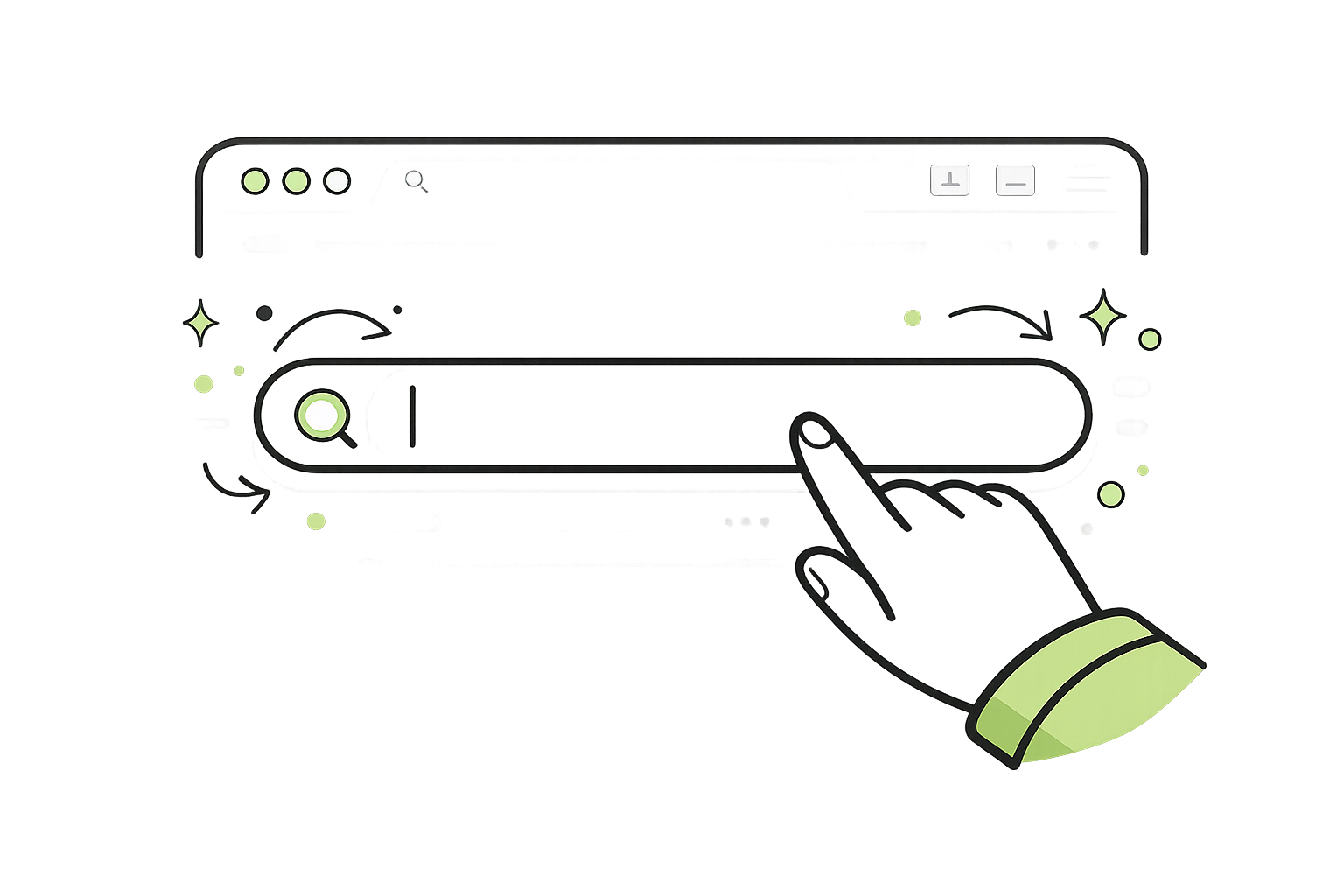
Once it opens, you’ll see a page with a spot where you can type.
You tap on that spot, type in what you’re looking for, and press enter.
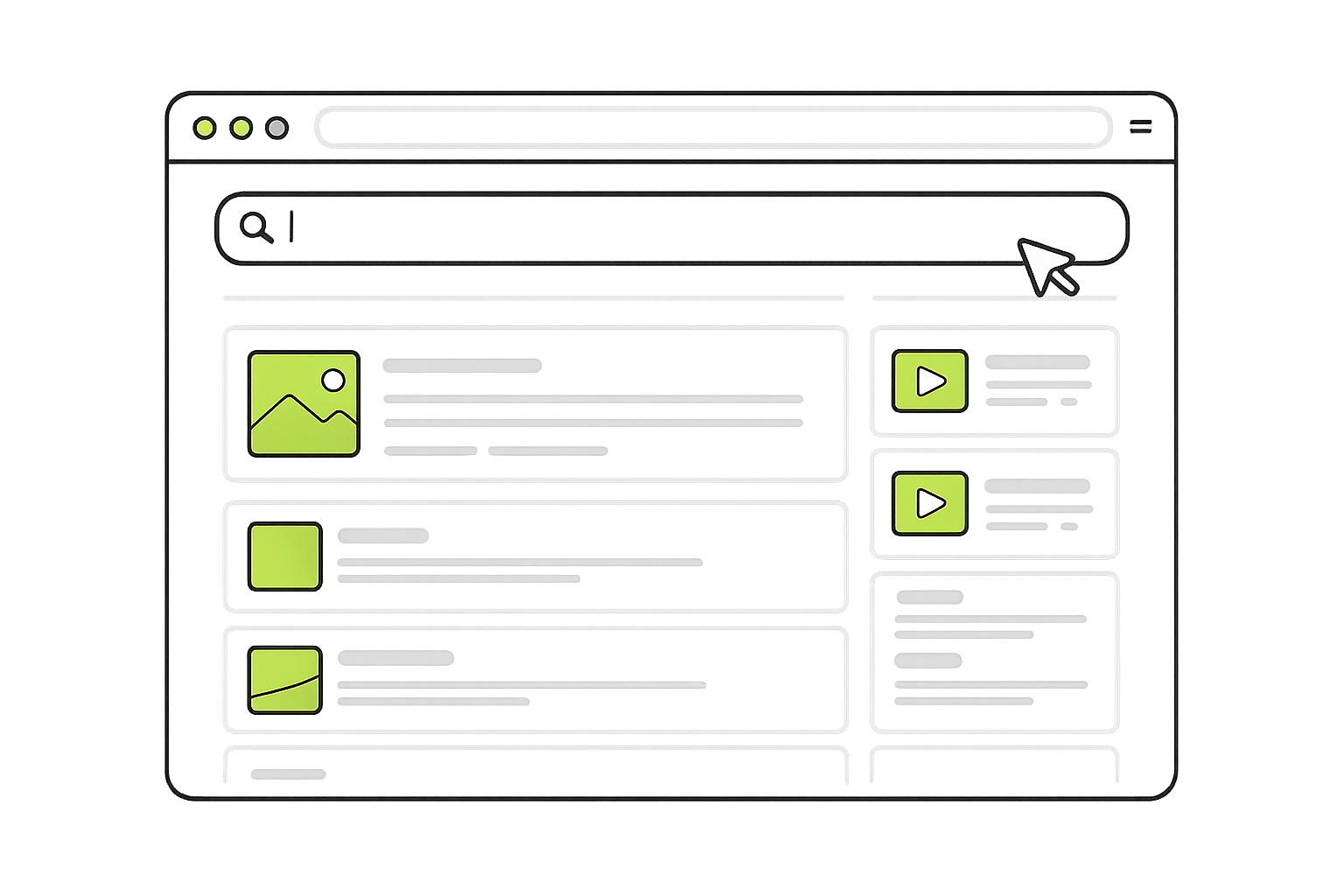
A list of results will appear, and you can click on any of them to explore and read more.
That’s it.
That whole process—the opening, the typing, the clicking—that’s you using a browser.
If you’re going to search something, or check your email, you will likely do it through a browser app.
What a Browser Actually Does
A browser is the thing on your phone or computer that lets you see and move around the internet.
It takes all of that invisible information out there and turns it into something you can actually look at and use. It gives you pages. It gives you buttons. It gives you something to click on instead of just… nothing.
Without a browser, the internet would still exist—but it would be completely out of reach. Like a house with no windows - you would not see outside.
You wouldn’t be able to read it, search anything, or go anywhere inside it.
What It Feels Like to Use One
Most of the time, using a browser doesn’t feel like using a “tool.”
It just feels like:
opening something
typing something
clicking around
And that’s kind of the point.
It’s designed to stay out of your way so you can focus on what you’re trying to do within the browser, not how it works.
Where It Lives
On most devices, the browser is already there when you get it. It’s an app/software/program.
It might be sitting on your home screen, or tucked into a little folder. You tap it, it opens, and suddenly you’re looking at a page with somewhere to type or something to click.
That moment—when the screen opens and you’re ready to go—that’s you using the browser.
Even if you’ve never called it that before.
A Few You Might Recognize
Different devices come with different browsers, and people sometimes download others depending on what they like.
Some common ones are:
Google Chrome
Safari
Mozilla Firefox
Microsoft Edge
They all do the same basic job. They just look a little different.
Why This Matters
You don’t need to memorize the word “browser.”
But understanding that it exists helps things start to click.
Because instead of everything being one big blur—“the internet,” “Google,” “this thing on my phone”—you start to see the pieces.
You start to notice:
what you’re opening
where you are
what’s doing the work
And that’s where things begin to feel a little less confusing.
Challenge
Which browsers do you have on your device? Take a moment to go look and see if you can figure it out!
You will likely be reading this very article on a browser app, right this second!