
Learn Digital Differently.
Build Digital Confidence Through Digital Creativity and Creative Digital Problem Solving.
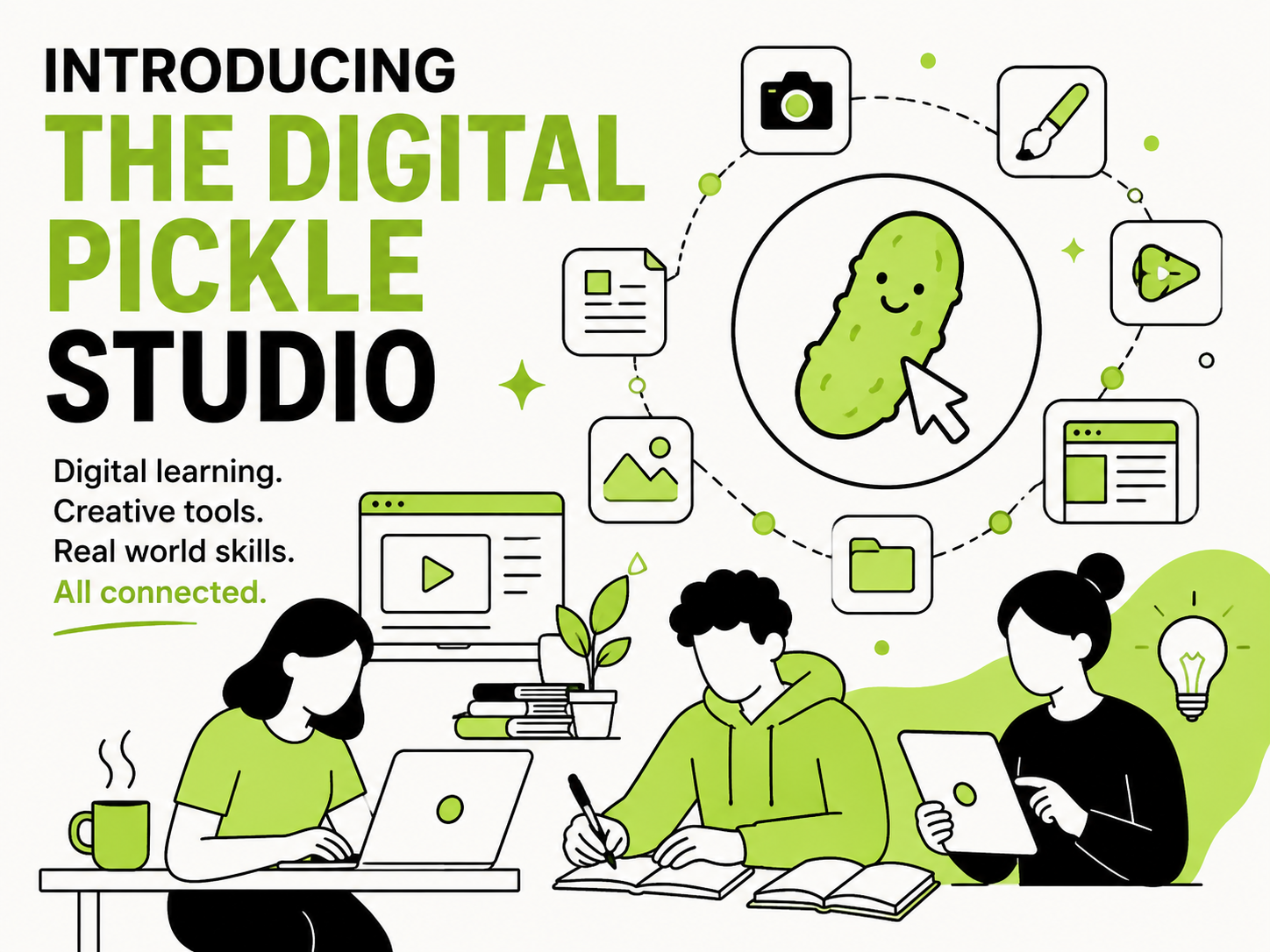
The Digital Pickle Studio helps people understand, navigate, and create with technology through practical, judgment-free creative digital learning and problem-solving.
The studio combines digital creativity, educational content, helpful resources, and opportunities for in-person learning support, with an emphasis on making everyday digital experiences more fun and approachable.
“Digital creativity is the practice of using digital tools, technologies, and platforms to create, express, or solve problems using various creative approaches.”
It’s about knowing how to understand what your screen is asking of you, and responding to it with patience, curiosity, and a willingness to research and experiment in order to achieve a specific goal.

Getting Started: What Are Files
Using a familiar office filing analogy, this article explains what files are, how names help identify files, and how folders keep them organized.

In-Person Digital Learning and Support in Clearwater County
One-on-one digital learning and support is available in Clearwater County until October 9, 2026. Availability is limited.

Better Digital Habits: Click Once, Then Wait
Learn to click once, pause, watch for signs of activity, and choose the next step deliberately.

Beginner’s Tidbits: What the Cursor Is Telling Us
The cursor does more than show a position on the screen. Its changing shapes and the reactions of nearby items can provide helpful clues for understanding your device.

Getting Started: Making Sense of Searching
Learn where searches happen, how search words produce results, and why searching differs from entering a website address directly.

A Note from the Creator and Director of The Digital Pickle Studio
The story behind The Digital Pickle Studio and its creative, approachable method of teaching digital skills.

Beginner’s Tidbits: Single-Clicking vs Double-Clicking
Learn how buttons, icons, folders, and mouse-pointer changes can provide clues about which type of click to use.

Welcome To The Digital Pickle Studio
Through practical, judgment-free learning, the studio helps people build confidence with technology by creating, exploring, and solving meaningful problems.

Getting Started: What “The Internet” Actually Means
This beginner-friendly explanation breaks down what “the internet” actually means using a familiar everyday picture.

Getting Started: What Is a Website?
A website is a place on the internet. Just like buildings have addresses, rooms, and different purposes, websites do too.

Getting Started: Browsers
A beginner-friendly guide explains how browsers work, what they do, and how they help you use the internet.

Getting Started: Downloading, Installing, and Uploading
Downloading, installing, and uploading. This simple guide breaks them down as three everyday actions.

Getting Started: Apps/Programs/Software
Apps, programs, and software might sound different, but in everyday use, they all kind of mean the same thing.

Getting Started: Accounts and Passwords
Accounts and passwords for complete beginners to understand.

Getting Started: Creative Digital Problem Solving
Learn how creative digital problem solving helps you navigate technology with confidence, one small step at a time.